The Library Marketing Show, Episode 144: In this episode, we’ve got our monthly social media headlines, and this month, we’re going to focus exclusively on Instagram. The platform is testing some new features and they could have significant implications for library marketing on the app.
Kudos in this episode go to the Coos Bay Library. Watch the video to find out why they’ve been recognized.
Do you have a suggestion for a topic for a future episode? Want to nominate someone for kudos? Let me know in the comments. And subscribe to this series to get a new video tip for libraries each week.
Thanks for watching!
Subscribe to this blog and you’ll receive an email every time I post. To do that, enter your email address and click on the “Follow” button in the lower left-hand corner of the page.
The Library Marketing Show, Episode 140: In this episode, we’ll share three HUGE pieces of news in the social media world. Libraries will want to hear about these and think about how they affect their work.
The updates include news about TikTok and Instagram, as well as a major report about the best times to post on all the major platforms.
Kudos in this episode go to the Brighton Public Library. Watch the video to see why they’re being recognized.
Do you have a suggestion for a topic for a future episode? Want to nominate someone for kudos? Let me know in the comments. And subscribe to this series to get a new video tip for libraries each week.
Thanks for watching!
Subscribe to this blog and you’ll receive an email every time I post. To do that, enter your email address and click on the “Follow” button in the lower left-hand corner of the page.
Photo courtesy Cincinnati and Hamilton County Public Library
When I was a kid, I was careful to always order the least expensive meal on the menu.
When we shopped for clothes, I always picked the cheapest option. At the start of each school year, I scoured ads (yes, even as a child!) to find the lowest prices on supplies, backpacks, and lunchboxes.
My frugality was a blessing during my time working in a library. I did a lot of effective promotions for free, especially on social media.
When I started work at the library in 2013, the average organic reach of a Facebook post was 12.5 percent. Today, it’s just 5.2 percent. That means roughly only one in every 19 fans will see your content. That is a huge decline.
Platforms adjust their algorithms to help them make money. And that’s why organic reach is now so limited.
Why your library might want to spend money on social media ads
Social media ads can do what organic posts cannot. They will ensure your posts will be seen by your target audience.
For major library campaigns, there is value in spending precious library dollars to purchase social media ads. Your library should consider investing in social media ads for the following reasons:
To reach new audiences
To solicit participation in system-wide programs like summer reading
To publicize larger library events especially if your library has invested a lot of time and money creating the event.
To publicize building openings and renovations
To soften the ground for upcoming levy or bond issues
To introduce a new library director or board member
To solicit donations
To recruit volunteers
Careful planning will lay the groundwork for a successful library social media ad campaign.
Planning your library social media ads
The first step is to identify your goal. What result are you looking to achieve? Be specific. Use numbers. Specify how you will measure the results.
For example, you may write goals like these:
“Last year, we had 500 kids ages 12-18 participate in our summer reading program. This year, we will increase that participation number by 25 percent to 625 kids.”
“We will fill 95 percent of the seats at our next virtual author program with Benjamin Gilmer, author of the new book, The Other Dr. Gilmer. Our platform has a 300-viewer capacity, so we will get at least 285 people to log on for the event.”
Once you have a specific goal, your next step will be to identify your target audience.
Let’s take the two examples above. The target audience for the summer reading program goal would be teens, their parents, and teachers. For the virtual author program, your target audience would be avid readers of nonfiction, true crime, and thriller books, book club leaders, medical professionals, lawyers, and criminal justice leaders, as well as medical, law, and criminal justice students from the nearby university. Note your target audience under your goal.
Finally, you’ll need to determine the content of your ads. To do that you’ll make these decisions:
What text will we use?
What images will we use?
What will our call to action be?
When those details are in place, you’ll be ready to begin buying your ads.
Choosing your social media ad platform
Let’s compare the three major platforms on which libraries typically purchase ads: Facebook, Instagram, and YouTube.
Facebook
Facebook is still the largest of the social media platforms, with nearly two billion active daily users. 15 percent of those users interact with ads on Facebook.
Facebook has the most powerful and accurate tools to optimize and target your audience. Facebook says nearly ten percent of the people who see the ads take an action. That’s quite high, and a great argument for using money to buy Facebook ads.
It used to be that libraries would create one ad on Facebook and be done with it. But Facebook now encourages pages to run multiple ads at the same time for optimum results.
But don’t worry about having to create the perfect combination of text, images, and calls to action. Facebook makes it easy with its Dynamic Ad creative tools. You’ll find them in the Facebook Ad Creator section.
Select “optimize ad creative for each person.” Then give Facebook at least two options for text, headlines, and images or videos. Facebook will then use keywords and its extensive knowledge of its own audience to mix and match the right combination for your target audience.
To increase the chances that your dynamic ad content will be successful, be sure to select the keywords in your text and headlines carefully and strategically. Facebook will use these keywords to help it decide who your ads will be shown to, and when they’ll be shown.
The final step is to set up Google Analytics on your library’s website with a Facebook Pixel. That will allow you to accurately track your ad on Facebook. The pixel will give your insight into how many people click on your ad and come to your library’s website to take any action, like registering for a program or signing up to participate in summer reading.
Once your ad creative pieces are chosen and your pixel is set up, run a test of all the ad options for seven days. At the end of the week, you’ll have a clear idea of which ad combination works the best. You can then invest a little more money in the ad with the best performance.
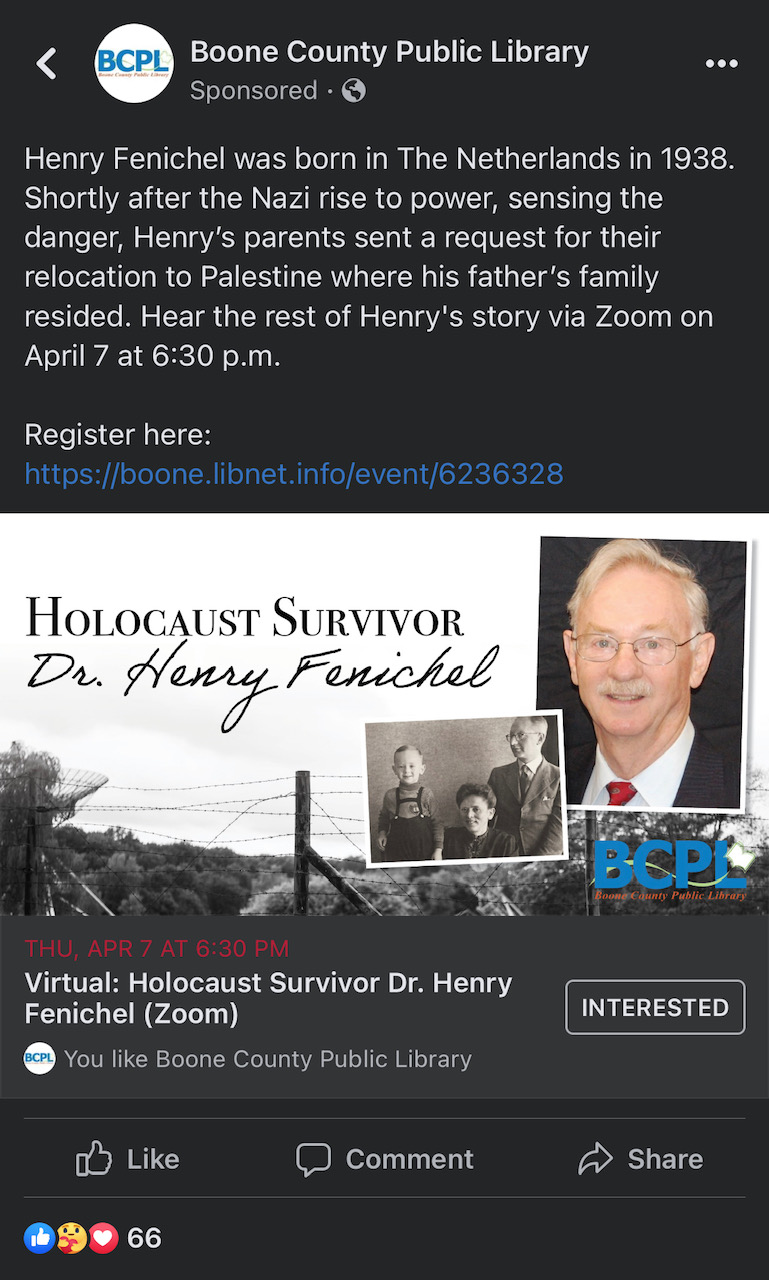
Boone County Library in Kentucky used Facebook ads.
Facebook also makes it easy to retarget people who interact with your initial ads. For example, let’s say you bought ads to spread awareness of your summer reading program. When registration opens, you can buy a second ad that will be shown to people who engaged with the first ad. That second ad might have a goal of getting those folks to register and pick up their reading log from the library.
A few weeks after that, your library could buy a third ad, retargeting anyone who engaged with the first and second ads. That third ad may have the goal of asking people to share summer reading content like photos of their book haul, their reading log, or their participation prizes.
Instagram
Instagram has around 500 million daily active users. 70 percent of shoppers say they use this app specifically to shop!
Libraries might not be selling anything, but we can certainly use the sales tools to drive engagement with our collection and services. And since the platform is owned by Facebook, libraries have access to the same targeting options that make Facebook ads so effective.
There are five types of Instagram ads:
Photo
Video
Carousel
Collection
Stories
Photo and video ads are self-explanatory. They feature one photo or video that shows up in the Instagram feed.
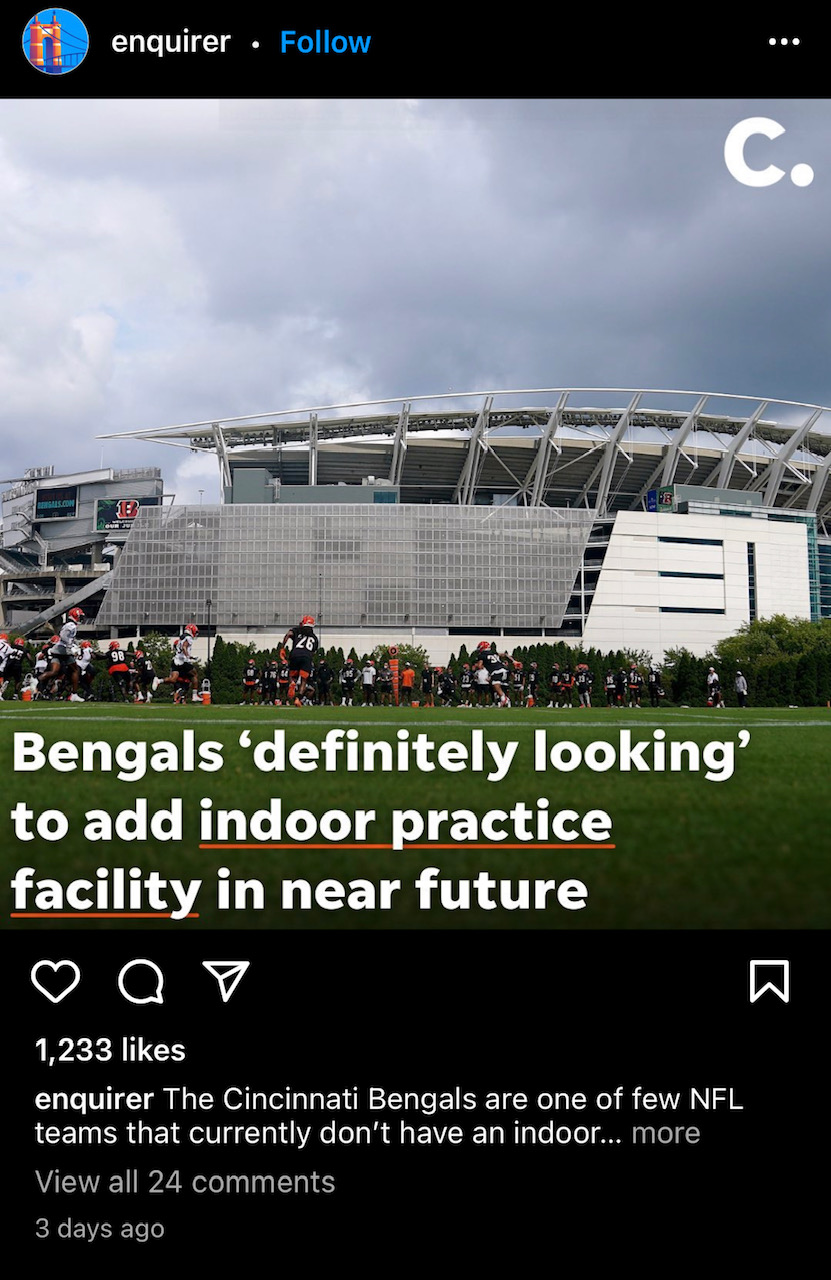
An example of a photo ad on Instagram.
Carousel ads let you combine anywhere from two and ten photos and videos all in the same post. People can swipe through to see everything in the carousel. These ads are dynamic, and they stand out from everything else in the Instagram feed.
Companies use collection ads to directly sell products. People can browse a wide range of products and services captured in a story format. For a library, a collection ad would let you showcase a series of specific library services, like a list of individual titles in a theme, or a list of your most popular databases.
You can also run Instagram story ads for your library. This would allow you to incorporate filters, video effects, music, and texts in these ads. And best of all, they include a swipe-up feature that directs the users to your library’s website.
To run an Instagram ad for your library, you’ll need to have an Instagram business or creator account—you can’t post ads from a personal Instagram account. You can convert your library page to a business account if you haven’t already done so.
You’ll be able to effectively target your audience on Instagram in the same way that you can on Facebook. You’ll choose from criteria including the location, age, gender, behavior, language, and browsing patterns of your target audience.
With both Facebook and Instagram, your library can set a daily budget. The platforms will help you determine the correct amount, based on your target audience specifications. For most libraries, a budget of $10 a day will be an adequate amount for a successful ad campaign.
YouTube
YouTube boasts an audience of over two billion monthly users. The platform is especially effective for reaching Gen Z. YouTube reaches more adults aged 18 to 24 than any TV network.
YouTube has two kinds of ads. The first, and most popular among users, is called “TrueView.” TrueView ads play before someone watches a video or in the middle of a video. The viewer may get the option to skip the ad after it plays for about 5 seconds. Your library can also customize your video’s call to action in a TrueView ad.
An ad that viewers can skip might not sound like a great idea. But YouTube’s pricing structure is set up so that your library will only pay for the ad if the user watches at least 30 seconds of a long ad or the entirety of a shorter video ad.
YouTube also has non-skippable ads that can play before, during, or after the main video. These are interruptive ads, but if you have a beautiful video ad that is valuable and entertaining, you won’t annoy the viewer. Non-skippable ads are shorter, between 7 and 15 seconds in length.
An example of a non-skippable ad on YouTube
The process of buying an ad on YouTube is slightly more complex than it is for Facebook and Instagram. Your library may end up being connected to a Google specialist by YouTube to help you make your final decisions.
But in general, once you’ve created your video ad, you’ll make some decisions that will impact the effectiveness of your ad. You’ll let YouTube know what goal you’re trying to reach. You’ll also indicate the demographics of your target audience. And you’ll set the budget for your ads. Then, your campaign begins!
Has your library purchased social media ads before? On which channels? Did you see results? Share your experience in the comments!
Subscribe to this blog and you’ll receive an email every time I post. To do that, enter your email address and click on the “Follow” button in the lower left-hand corner of the page.
The Library Marketing Show, Episode 136: In this episode, we’ll share the top three headlines and changes coming to Instagram, Facebook, and TikTok, and talk about their impact on library promotions and marketing.
Kudos in this episode go to the Mercer County Library System. Watch the video to see why they’re being recognized.
Do you have a suggestion for a topic for a future episode? Want to nominate someone for kudos? Let me know in the comments. And subscribe to this series to get a new video tip for libraries each week.
Thanks for watching!
Subscribe to this blog and you’ll receive an email every time I post. To do that, enter your email address and click on the “Follow” button in the lower left-hand corner of the page.
Do you have a suggestion for a topic for a future episode? Want to nominate someone for kudos? Let me know in the comments.
And subscribe to this series to get a new video tip for libraries each week.
Thanks for watching!
Subscribe to this blog and you’ll receive an email every time I post. To do that, enter your email address and click on the “Follow” button in the lower left-hand corner of the page.
In this episode, I’ll share the latest social media headlines for December 2021 and talk about how this news will impact your work in library marketing and promotion.
Kudos in this episode goes to the Delaware County District Library for their awesome selection and marketing of board games for checkout.
Do you have a suggestion for a topic for a future episode? Want to nominate someone for kudos? Let me know in the comments.
And subscribe to this series to get a new video tip for libraries each week. Thanks for watching!
Subscribe to this blog and you’ll receive an email every time I post. To do that, enter your email address and click on the “Follow” button in the lower left-hand corner of the page.
In this episode, I’ll share three headlines about social media and how they affect your work at the library. They include a case study comparing ads on Instagram Reels vs. TikTok, a new Instagram feature, and a new way to track your Twitter analytics.
Kudos in this episode goes to Asotin County Library. Watch to find out why they’re being recognized.
Do you have a suggestion for a topic for a future episode? Want to nominate someone for kudos? Let me know in the comments. And subscribe to this series to get a new video tip for libraries each week.
In this episode, we’ll share the latest social media platform headlines and break down what they mean for libraries. That includes a new scheduling feature for Instagram, a new, easy way for your Facebook followers to find your content, and new data on the use of Twitter by Gen Z.
Kudos go to the Invermere Public Library. Watch the video to find out why they were nominated by author Elinor Florence.
Do you have a suggestion for a topic for a future episode? Want to nominate someone for kudos? Let me know in the comments.
And subscribe to this series to get a new video tip for libraries each week.
Thanks for watching!
Subscribe to this blog and you’ll receive an email every time I post. To do that, enter your email address and click on the “Follow” button in the lower left-hand corner of the page.
In this episode, I’ve got three big updates for libraries that will affect your ability to post to social media.
Kudos go to the University of North Carolina Libraries for their free racial equity challenge syllabus.
Do you have a suggestion for a topic for a future episode? Want to nominate someone for kudos? Let me know in the comments. And subscribe to this series to get a new video tip for libraries each week.
Subscribe to this blog and you’ll receive an email every time I post. To do that, enter your email address and click on the “Follow” button in the lower left-hand corner of the page.






 Super Library Marketing: Practical Tips and Ideas for Library Promotion